Start small. Grow big.
Clear a patch of grass, plant your first seeds and watch them sprout. Harvest, earn coins, and turn one tiny plot into a busy farm with fields, orchards, barns and a whole lot of chickens. It's a relaxed game for iPhone and iPad that fits into a few spare minutes, and never asks for more.
On your farm
Everything you need for a peaceful life in the countryside, one tile at a time.
-

Plant 20 crops
Plow, water and harvest tomatoes, sunflowers, pumpkins, grapes and more. Pick them on time, because ripe crops don't wait forever.
-

Raise animals
Fill your pastures with chickens, cows, pigs, sheep, rabbits, ducks, goats and horses, and build coops and stables as the farm grows.
-

Grow an orchard
Plant apple, apricot, orange, banana and coconut trees that blossom and bear fruit again and again.
-

Build and expand
Raise barns, greenhouses and mills, buy new plots of land, and lay out paths, fences and decorations however you like.
-

Make it yours
Create your farmer, then pick up new hairstyles, outfits and hats from the Style shop whenever you like.
-

Grows while you're away
Your crops keep growing when you close the game. Turn on notifications and we'll tell you when they're ready to harvest.
Life on the farm
A peek at Tiny Crops on iPhone and iPad.
-
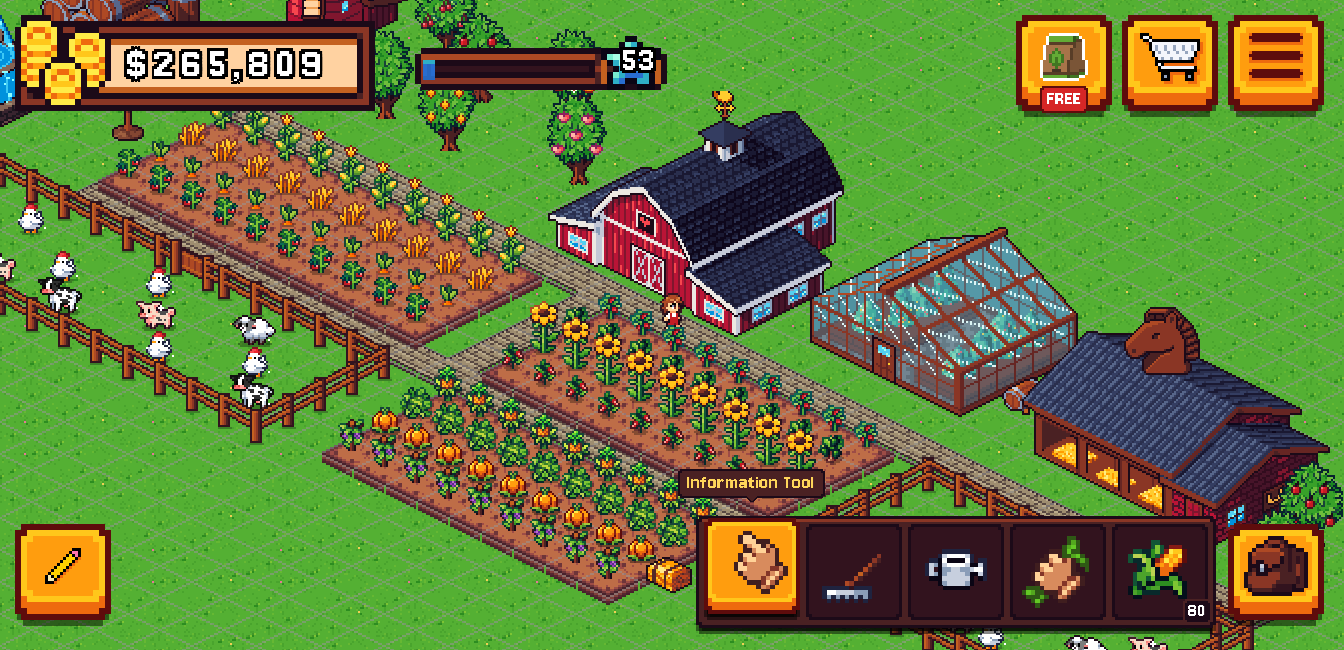
A farm that grows with you -
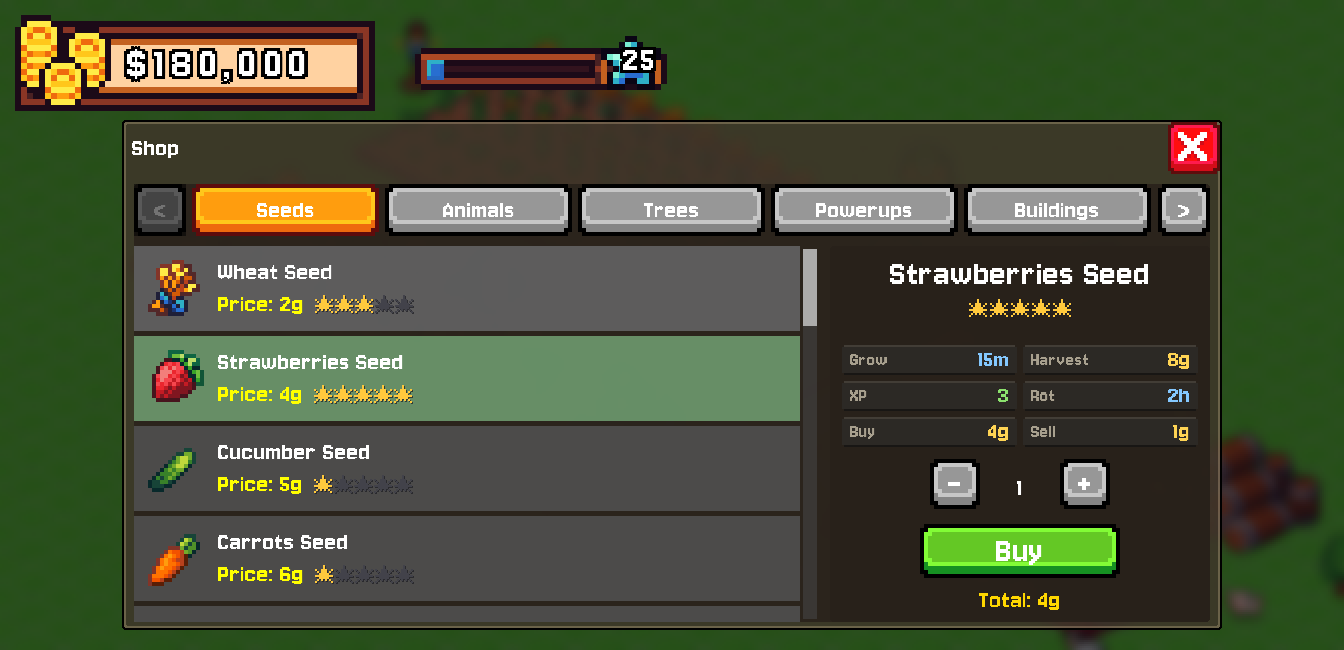
Stock up on seeds, animals and buildings -
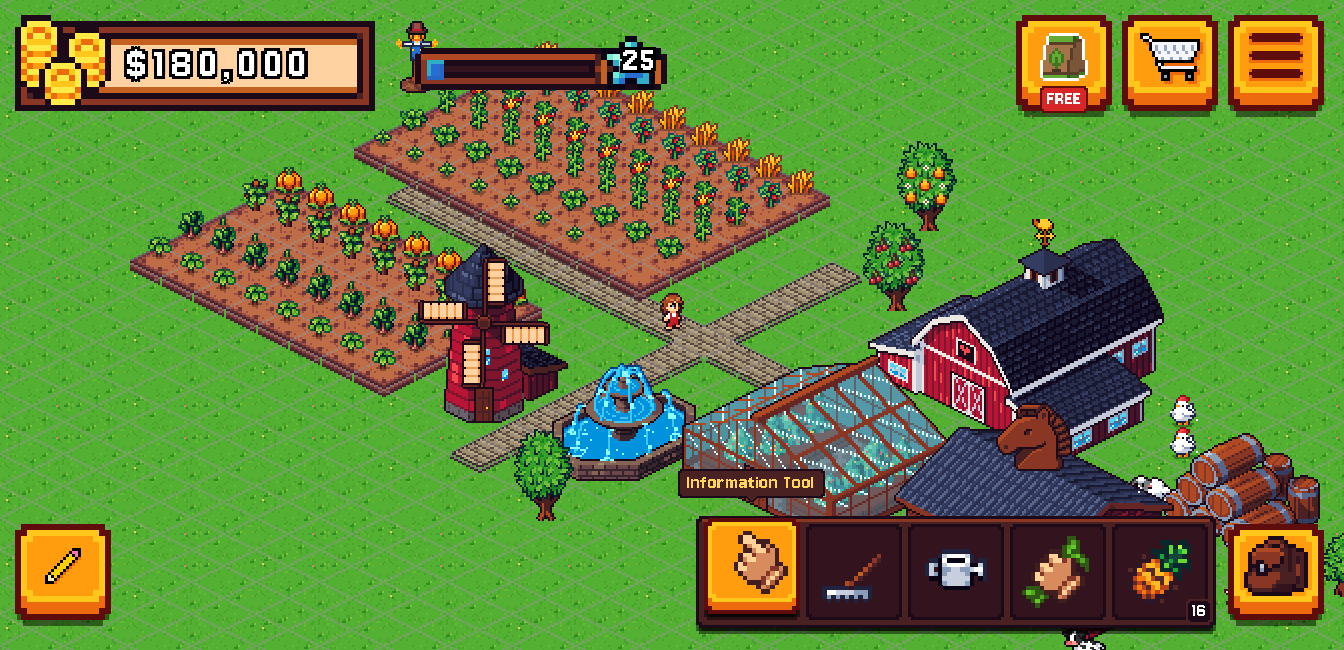
Decorate with mills, fountains and trees -
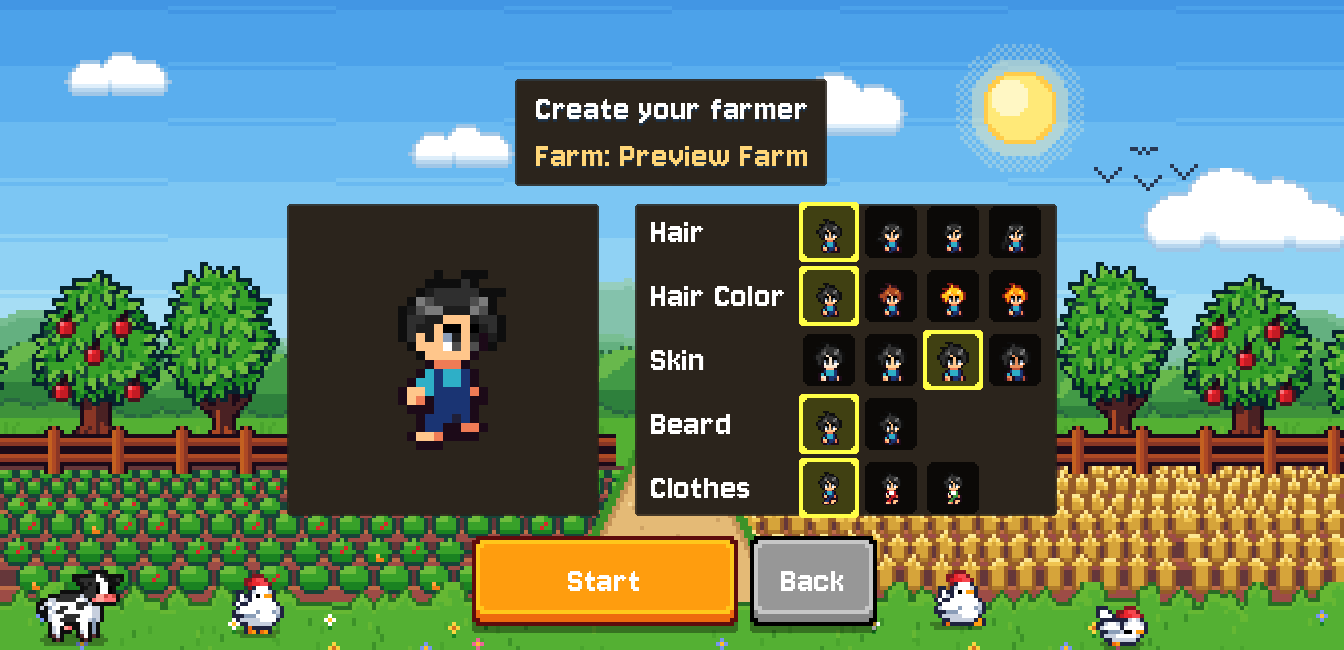
Create your farmer -
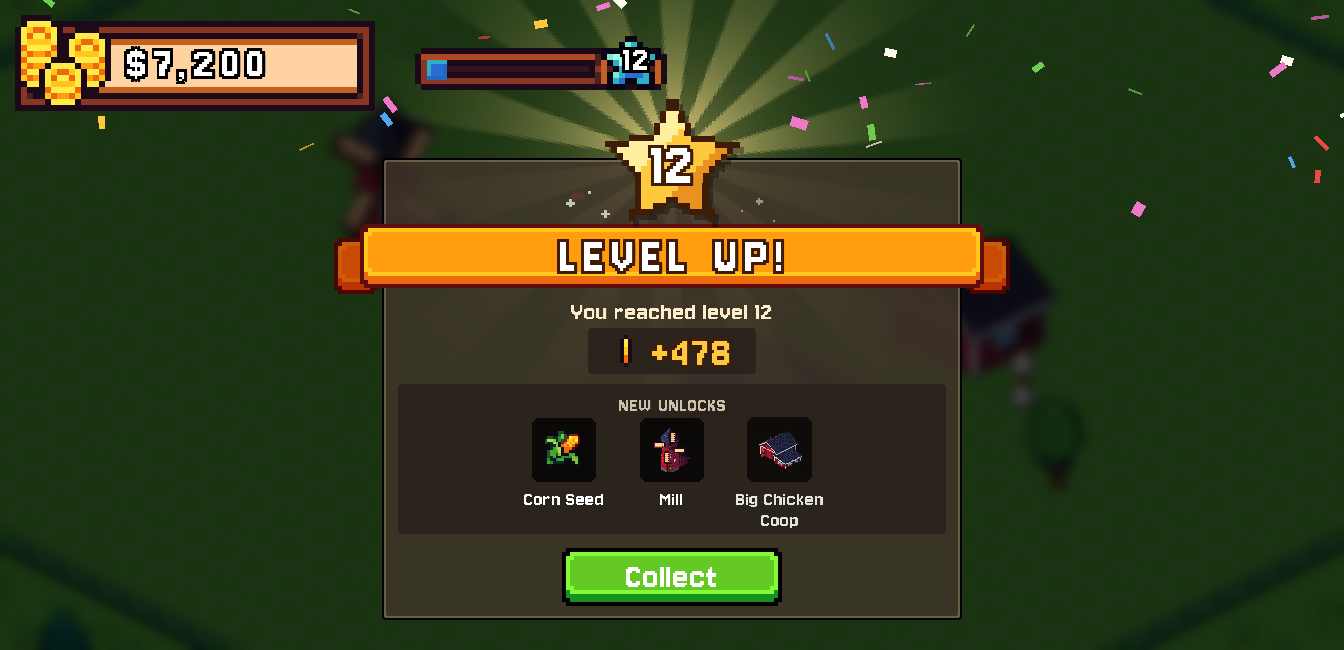
Level up and unlock more
Support
Stuck, found a bug, or have an idea? We'd love to hear from you.
Email us and include your device model, iOS version and what happened. A screenshot helps a lot. We usually reply within a few days.
Email supportOr write to coffee.buffer.dev@gmail.com
Where is my farm saved?
On your device. Tiny Crops has no accounts or cloud saves, so deleting the app also deletes your farms. If your device backs up to iCloud or your computer, restoring that backup brings them back.
Can I move my farm to another device?
Not directly yet. Restoring an iCloud or computer backup onto the new device is the only way to bring your farms along.
The ad button says no ad is available.
Ads are optional and depend on your connection and on ad availability in your region. Check that you're online and try again in a few minutes. After watching an ad, the next one unlocks after a short cooldown.
I'm not getting notifications about my crops.
Open iOS Settings → Notifications → Tiny Crops and make sure Allow Notifications is on. Reminders are scheduled when you leave the game, so open it at least once after planting.
How do I delete a farm?
From the title screen, tap Load, then tap the delete button next to the farm and confirm.
Your farm is waiting
Tiny Crops is free to play, with optional ads you choose to watch for rewards.
Coming soon to the App Store